

add-stamp-to-photo.generator_title
add-stamp-to-photo.generator_description
معاينة
يتم تحديث النتائج في كل مرة تقوم فيها بالتوليد.
Versatile Ways to Add Stamp to Photo
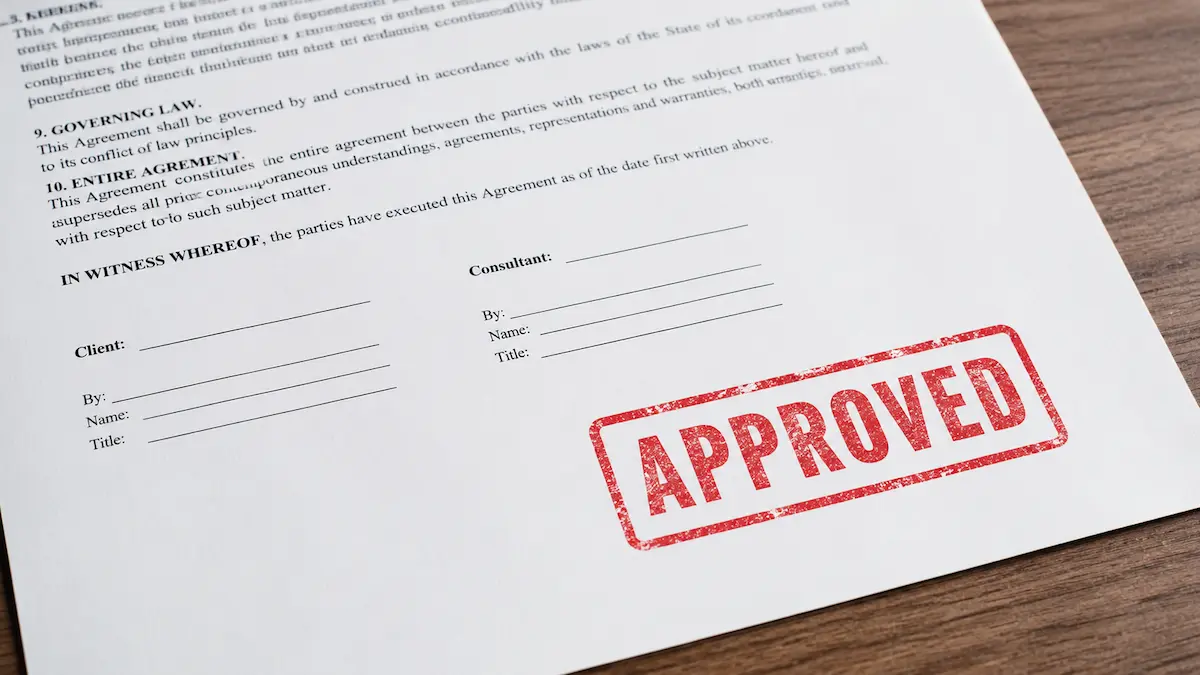
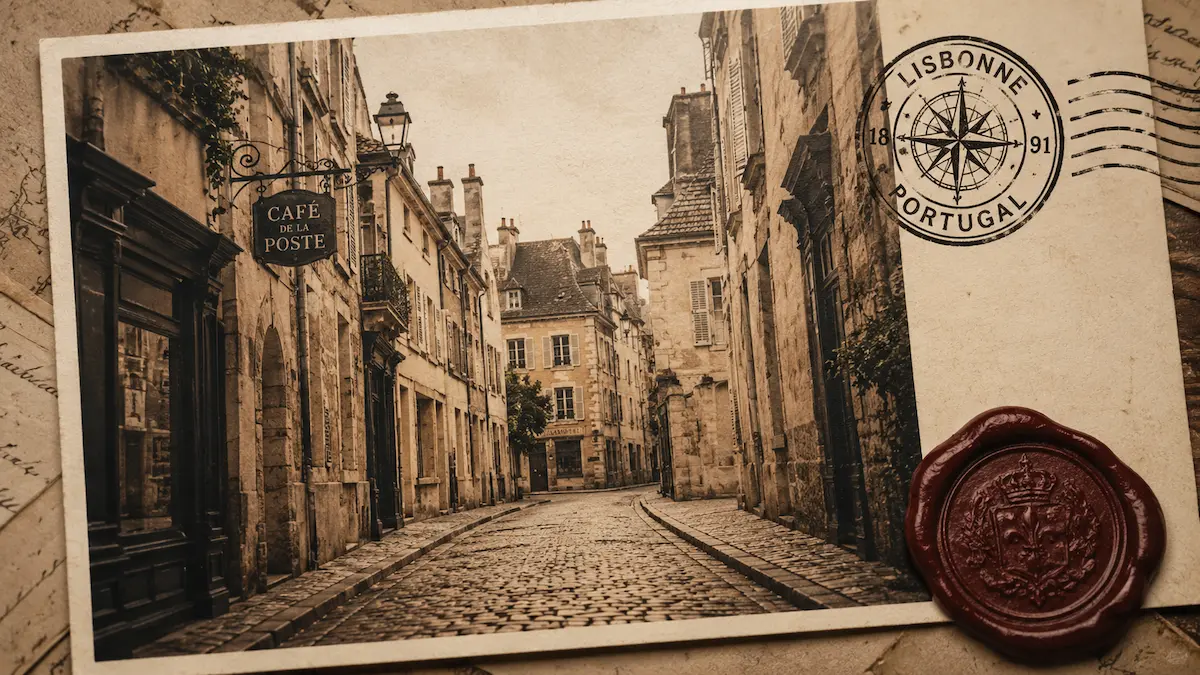
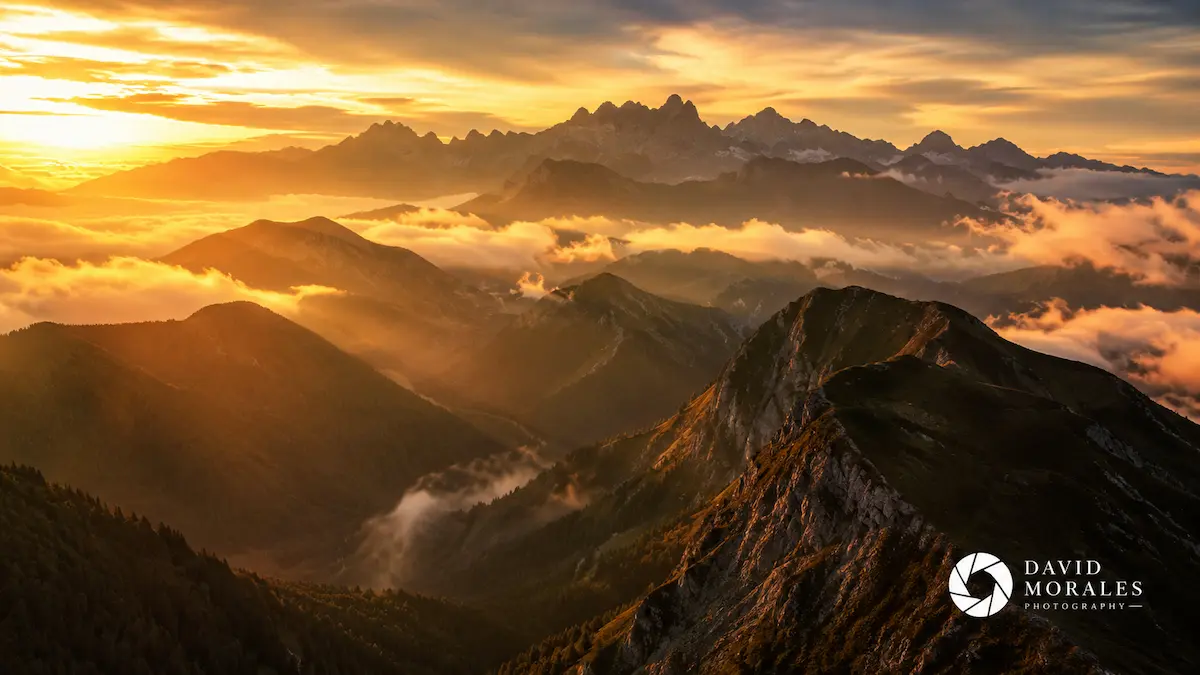
Discover how professionals and hobbyists add a stamp to a photo to elevate their visual branding. Whether it is for official documents, copyright protection, or aesthetic appeal, overlaying a stamp on photo assets has never been more intuitive.

Why Use Our Tool to Add Stamp to Photo?
When you need to add a stamp to an image, you want it to look authentic. Our intelligent editor goes beyond basic watermark apps by extracting realistic textures and seamlessly blending your digital stamp into any background.
Everything About Adding Stamps to Photos
We have compiled the most detailed answers to help you understand how to add stamp to photo projects, the difference between stamps and watermarks, and how to maximize our AI tools.
What exactly does it mean to add stamp to photo?
To add stamp to photo generally refers to overlaying a specific visual graphic—like a rubber stamp effect, a postmark, a certification seal, or a distinct logo—onto an existing picture. Unlike a faint, full-page watermark, a stamp is usually a prominent, stylized element placed in a specific area to indicate approval, date, branding, or vintage aesthetics.
What is the difference between a stamp and a watermark?
While the terms are sometimes used interchangeably, there is a clear distinction in image editing. A watermark is typically a semi-transparent text or logo spread across an image, primarily used for copyright protection to prevent unauthorized use. Conversely, to add a stamp to a picture implies adding a solid, distinct, and visually appealing element—like a digital rubber stamp or wax seal—that contributes to the design or provides specific metadata (like time or location) rather than just protecting it.
Can I add a date and time stamp to my photo using this tool?
Absolutely. Many users want to add stamp to photo files to document when and where an event occurred. You can easily generate text-based stamps featuring dates, times, GPS coordinates, or custom signatures, similar to what you would find in dedicated apps like PhotoStamp Camera, but with far more control over the typography, color, and blending modes.
How do I add a stamp to an image without a background?
Our AI makes this effortless. If you upload a stamp graphic that has a solid white or colored background, you do not need external tools like LunaPic or complex software. Simply upload it into our editor, and our built-in background remover will isolate the stamp graphic instantly, allowing you to add stamp to photo with a perfectly transparent background.
Will adding a stamp reduce the quality of my original photograph?
No. When you use our platform to add digital stamp to image files, we process everything losslessly. The base resolution of your original photograph is fully maintained. The stamp is applied as a high-resolution overlay, ensuring that your final exported image remains crisp, clear, and perfectly suitable for high-quality printing or professional digital publication.
Can I move and resize the stamp after uploading it?
Yes, our tool functions as a robust photo stamp editor. Once you choose to add stamp to photo, the stamp appears as a movable, scalable, and rotatable element on your canvas. You can drag it to any corner, enlarge it for emphasis, or rotate it slightly to mimic the natural, imperfect angle of a hand-pressed rubber stamp.
Is this tool similar to the annotation features in Evernote?
While Evernote offers basic image annotation where you can add preset stamps to a photo, our platform is significantly more advanced. We provide dedicated AI blending, custom stamp uploads, automatic background removal, and highly realistic ink texture simulations. If you need professional-grade results when you add a stamp to a photo, our specialized generator is the superior choice.
How does the AI make the stamp look realistic?
When you simply paste an image over another, it looks flat and artificial. When you add stamp to photo using our AI, the system evaluates the underlying image. It applies advanced blending algorithms that allow the textures, highlights, and shadows of the base photo to subtly show through the stamp's 'ink', mimicking how real ink interacts with the physical texture of paper or objects.
Can I batch add stamp to photo collections?
Yes, for our premium users, we offer a batch processing feature. Once you configure your ideal stamp size, position, and opacity, you can apply these exact settings to multiple photos simultaneously. This is incredibly useful for photographers or businesses who need to add a stamp to a picture across hundreds of files quickly and consistently.
Is it safe to upload sensitive documents to add a stamp?
We prioritize your privacy and data security. When you add stamp to photo documents like invoices, contracts, or personal records, the processing is done securely. We do not store your original photos or the generated results on our servers after your session expires. You can confidently add rubber stamp to photo files knowing your data remains entirely your own.
Ready to Add Stamp to Photo Designs?
Stop struggling with complicated software. Upload your image now and let our AI effortlessly add a stamp to a photo with unmatched realism. Try the ultimate photo stamp editor today.