

AI Watermark Remover
Upload an image and let PixSprout automatically erase watermarks and text to restore your photo.
Preview
Results refresh every time you generate.
Watermark Remover Examples
PixSprout's automatic watermark remover fits a wide range of professional needs. From photo studios to design teams, get cleaner visuals for editing.
Studio Sample Retouching
Clean watermark previews from sample photos before retouching.

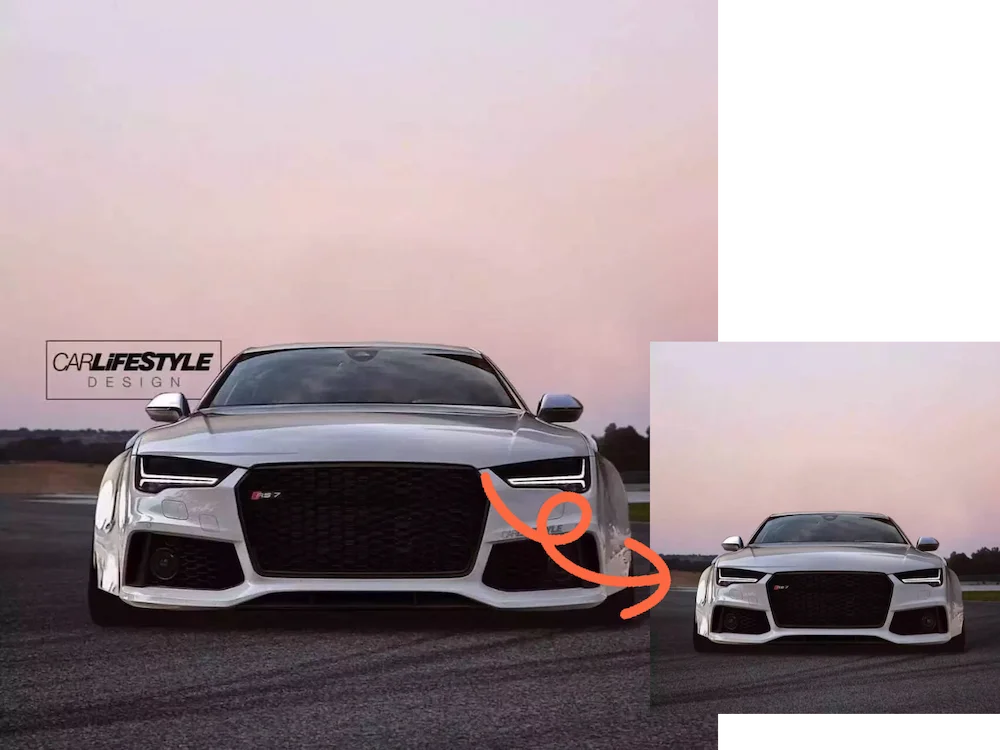
Designer Preview Cleanup
Remove watermark overlays from preview templates for internal reviews.
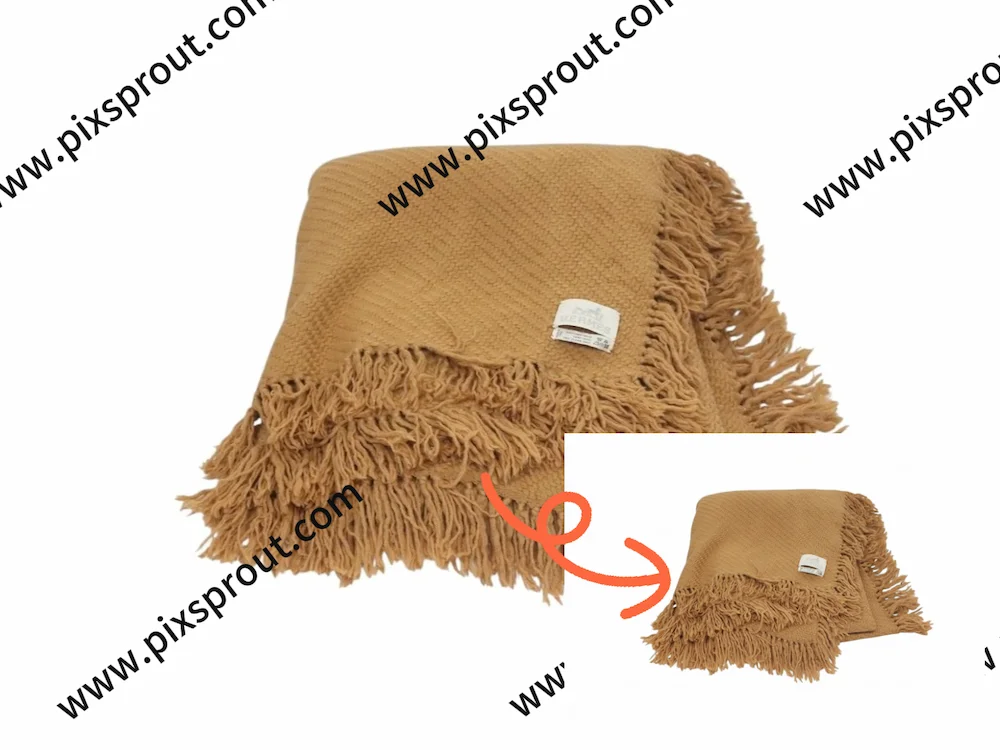
Product Image Optimization
Remove supplier watermarks to prepare customized product listings.
What is PixSprout AI Watermark Remover?
PixSprout AI Watermark Remover is a free online tool that automatically detects and removes all visible watermarks from your photos. Powered by AI image restoration, it's ideal for photographers, designers, and creators who need clean visuals.
Frequently Asked Questions
Find answers about using PixSprout's AI Watermark Remover.
How does PixSprout AI Watermark Remover work?
It uses AI image recognition and inpainting technology to automatically detect and remove all visible watermarks from your uploaded photo.
Can I choose which watermark to remove?
Currently, manual selection is not supported. The tool automatically detects and removes all visible watermarks.
Is PixSprout Watermark Remover free?
Yes. PixSprout offers a completely free online watermark remover with no registration required.
What image formats are supported?
You can upload JPG, PNG, and other common image types.
Can I use the cleaned images commercially?
This tool is intended for personal and creative learning purposes only. Do not remove watermarks from copyrighted materials you do not own.
Does the AI produce natural results?
Yes. The AI uses advanced content-aware fill to produce clean, natural-looking photos.
One Click to Remove All Watermarks
Upload your photo and let PixSprout's AI instantly detect and remove every visible watermark. Fast, natural, and free to use.