
Pet Memorial Stamp Design Maker: Turning Memories into Keepsakes
Table of Contents
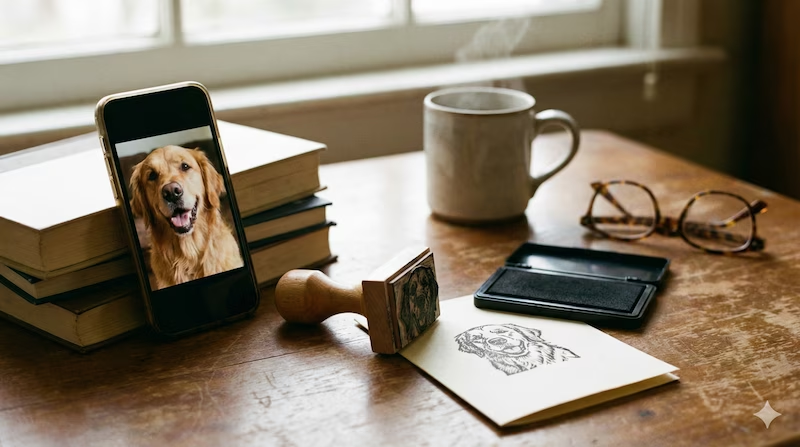
The house feels different when they are gone, doesn't it?
It’s too quiet. You still catch yourself looking at their favorite spot on the couch, or expecting to hear the click-clack of paws when you open the fridge.
When I lost my dog, I found myself obsessively scrolling through the thousands of photos on my phone. I was terrified I would forget the specific curve of his ears or the way he looked at me.
I wanted something tangible. Not just pixels on a screen, but something I could hold. Something I could put on paper.
That is why many of us turn to custom memorial stamps. There is something therapeutic about the rhythmic action of stamping—ink, press, mark. It’s a way to say: “You were here. You mattered.”
You don't need to hire a professional artist to start this healing process. You can design it yourself, right now, using AI tools like PixSprout.
Here is how to create a tribute that feels right.
Why We Use AI (It’s Not About Technology)
You might wonder, "Why use AI for something so emotional?"
For me, it was about privacy and immediacy.
Sometimes, you aren't ready to explain your loss to a stranger or a commission artist. You just want to sit alone with your photos and see what looks best.
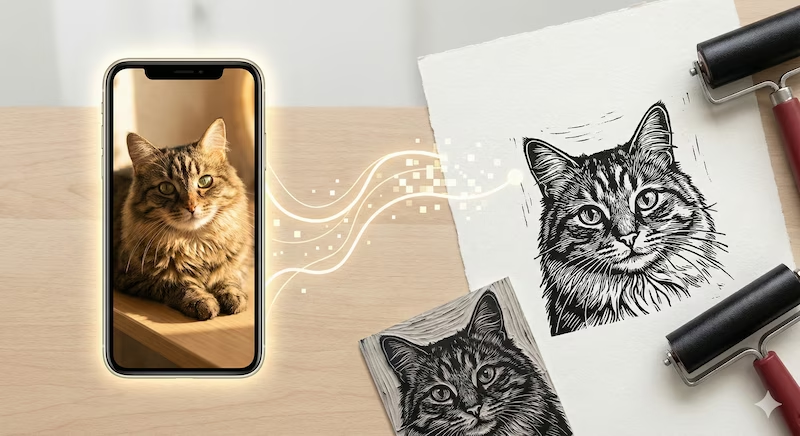
PixSprout allows you to do that. You can upload five, ten, or twenty photos of your pet. You can test which one captures their spirit best as a sketch. It’s a quiet, private process between you and your memories.
Our AI is trained to recognize the soul in the image—simplifying the messy background noise and focusing on the eyes and the fur texture, creating a style that looks like a hand-carved block print.
Finding "The One" (Choosing the Photo)
If you are anything like me, you have 5,000 photos of your pet, and 4,900 of them are blurry.
To get a stamp design that really looks like them, here is what I’ve learned works best:
- The "Soulful Eye" Contact: Look for the photos where they are looking directly at you. That connection is what you want to preserve.
- The "Golden Hour" Light: Try to find photos taken in natural window light. Flash photography often flattens their face.
- The "Void" Problem (For Black Pets):
- A note to black cat/dog parents: I know the struggle. They are basically photo ninjas—black holes of cuteness where details disappear.
- The Fix: When using PixSprout, try to pick a photo where the sun is hitting their fur, creating highlights. The AI needs those highlights to know where the nose ends and the cheek begins.
What To Do With Your Design
Once you use the Image to Stamp Tool and download that transparent PNG, you have a digital piece of art forever.
What you do with it is up to you. Here are some beautiful ideas from our community:
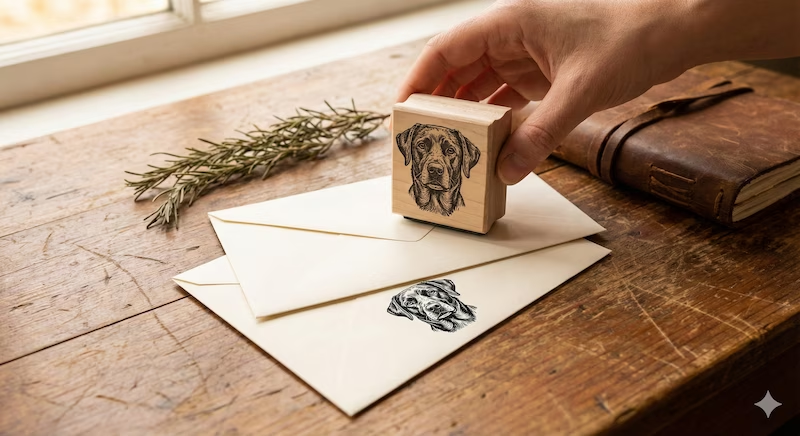
1. The "Thank You" Cards When my dog passed, I received flowers from friends and our vet. I used the stamp design on the back of the thank-you envelopes. It was a small, silent signature from him.
2. The Memorial Tattoo This is huge. Tattoo artists love clean, high-contrast line art. Your PixSprout design is essentially a "stencil-ready" file. It’s a perfect reference for a permanent memorial.
3. "From the Library of..." Did your cat love sleeping on your books while you tried to read? Turn the design into a bookplate stamp. It’s a sweet way to smile every time you open a new chapter.
A Gentle Reminder
Creating a memorial is emotional work.
If you upload a photo and the result makes you cry, it’s okay to close the tab and come back tomorrow. The tool will still be there.
But when you are ready, seeing their face transform into a beautiful, timeless piece of art can be incredibly healing.
Visit the Pet Memorial Stamp Maker
Take your time. Create something beautiful.
Recommended Posts
Stop Getting Hand Cramps: The Brutal Truth About Signature Stamp Makers
Tired of signing hundreds of checks by hand? Most custom signature stamps end up looking like smudged garbage. Here's exactly how to get one that actually works.
Custom Stamp Maker Guide: DIY Machines vs. Pro Services vs. AI Tools
Stop wasting money on bad ink. Here’s the honest truth about custom stamp makers, from the Silhouette Mint to digital AI design tools.
AI Stamp Maker: Stop Overpaying for Custom Digital Seals (2026 Guide)
Still waiting days for a designer to make a simple stamp? Stop. Here’s how AI stamp makers let you generate custom, vintage, or business seals in seconds.
Custom Portrait Stamp Maker for Wedding: The DIY AI Guide
Don't pay the 'wedding tax' for custom art. Learn how to use AI to generate your own wedding portrait stamp design in seconds with PixSprout.
Convert Logo to Stamp PNG Transparent: The 'No-Stress' Guide
We've all struggled with Photoshop masks. Here is how to convert your logo to a realistic stamp PNG without losing your mind.
Create Date Stamp Image Online: Free AI Tools & Easy Methods
Tired of boring date stamp templates? Learn how to generate custom, vintage, or gritty date stamps from text prompts using PixSprout.
Comments
No comments yet