
Custom Stamp Maker Guide: DIY Machines vs. Pro Services vs. AI Tools
Table of Contents
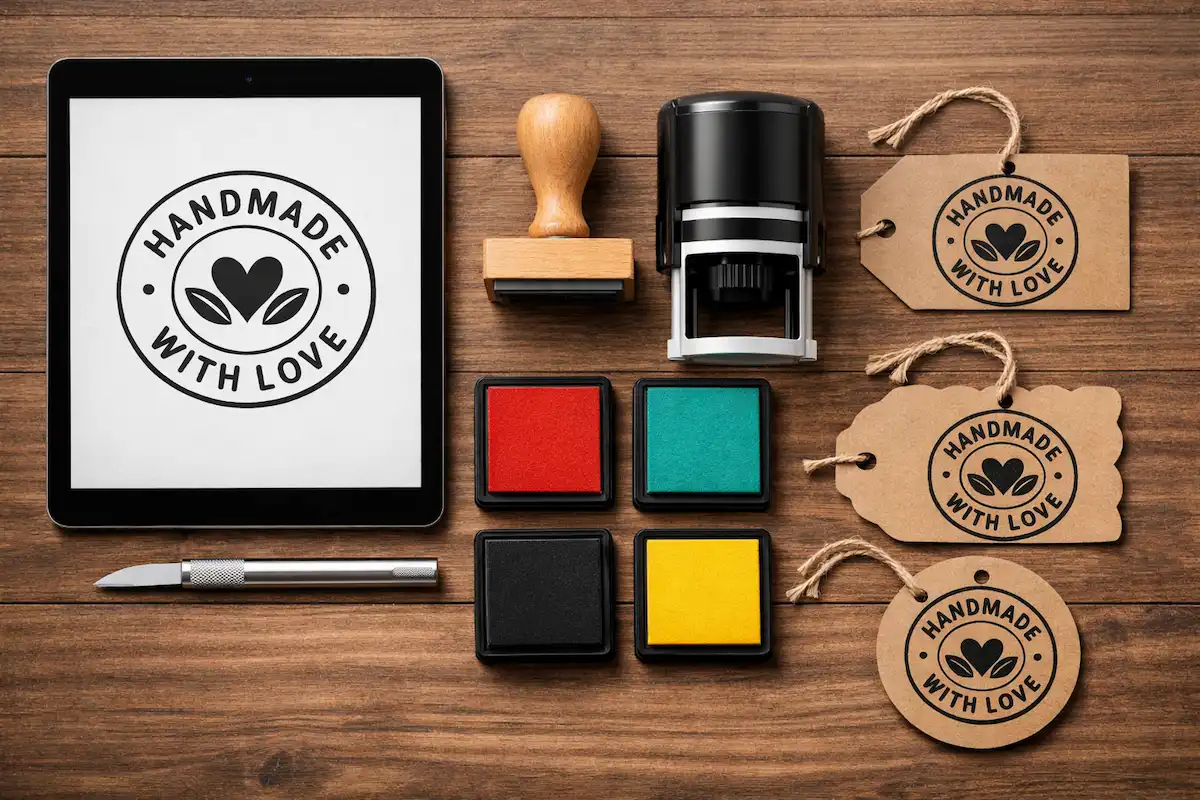
You want a stamp. Sounds simple, right?
It's not.
Most people dive into this thinking they just need to upload a JPEG and wait for a package to arrive. Then they end up with a blurry mess that smudges their invoices or looks like a blob on their wedding invitations. I’ve seen it happen a hundred times. The term "custom stamp maker" is actually a catch-all for three very different things: buying a machine to manufacture them yourself, paying a service to laser-engrave one for you, or digitally generating stamp aesthetics for design work.
If you don't know which lane you're in, you're going to waste time. And probably money.
We’re going to break down the actual options—the machines, the services, and the digital tools—without the fluff. Whether you are branding a coffee shop or just obsessed with journaling, there is a right way to do this. And a very expensive wrong way.
The DIY Hardware Route (For the Control Freaks)
If you are the type of person who buys a 3D printer just to print a hook for your headphones, you probably want to own the hardware.
For years, making rubber stamps at home was a nightmare involving chemicals, lightboxes, and smelly rubber. It was gross. Then came the thermal printing revolution.
The big player here is the Silhouette Mint. It’s not a traditional "cutter" like the Cameo. Instead, it uses a thermal process to create a 3D relief on a special sheet.
Here is the reality of the Mint:
- The Good: It creates crisp details. You can take a photo or a font on your laptop and have a physical stamp in your hand in about five minutes.
- The Bad: You are locked into their ecosystem. You have to buy their specific stamp sheets and their specific liquid inks. You can't just grab an ink pad from the craft store and go to town. The stamp soaks up the ink, which is cool for multicolor prints, but it’s not the "thump-thump" mechanical feel of a traditional office stamp.
Is it worth it? Only if you plan to make dozens of different small designs. If you just need one logo stamp, buying a $50-$100 machine is overkill.
The "Just Get It Done" Route (Online Services)
For 95% of businesses, you don't need a machine. You need a pro with a laser engraver.
The market is flooded with options, but they aren't all the same. I've found that the quality of the rubber (the actual die) varies wildly.
The Big Players
If you need a standard address stamp or a "DEPOSIT ONLY" marker for the office, places like RubberStamps.com or Office Depot are fine. They offer self-inking bodies (the ones that flip down) which are great for rapid-fire paperwork.
However, if you are looking for branding—like stamping a logo on a kraft paper bag or a cardboard shipping box—you need to look at Rubberstamps.net or The StampMaker. Why? Because they offer high-resolution laser engraving on wood mounts.
Why Wood Mounts Matter: A self-inking stamp has a size limit. Usually a couple of inches. If you want a big, bold 4x6 inch logo on a tote bag, you need a wood-mounted stamp and a separate, giant ink pad.
Sellers on platforms like Etsy (check out Modern Maker Stamps) specialize in these "oversized" mounts. They understand the nuance of deep engraving so the background doesn't accidentally pick up ink and ruin your print.
The Digital Design Gap (Where Most People Fail)
Here is the secret nobody tells you about ordering custom stamps.
The output is only as good as the input.
If you upload a colorful, low-contrast photo of your dog to a stamp manufacturer, they are going to struggle to convert that into a binary (black and white) physical ridge. The result is usually a dark blob.
You need to prep your design first. You need to think in "stamp logic."
This means high contrast. Thick lines. Negative space.
A lot of designers are now using AI to bridge this gap. Before you commit to manufacturing a physical product, you can use a free AI stamp generator to visualize exactly how your text or image will look as a distressed, vintage, or clean rubber stamp.
Why do this?
- Proofing: You see if the text is legible when it's "stamped."
- Mockups: You can place the digital stamp PNG onto a photo of your packaging to see if the sizing looks right before you pay $40 for the physical wood block.
- Digital Use: Sometimes, you don't even need the physical rubber. You just want the look of a stamp for your website or email signature.
Business Branding on a Budget
Let's say you're launching a small bakery or a boutique shop. You want custom packaging, but custom-printed boxes cost a fortune. The minimum order quantities (MOQs) are insane—usually 500 or 1,000 boxes.
The Stamp Hack: Buy 500 plain cardboard boxes for cheap. Buy one high-quality, wood-mounted custom logo stamp for $30. Buy a gallon of archival ink.
Boom. Custom packaging for pennies.
But again, the logo design is critical here. Thin lines disappear on cardboard. Complex gradients are impossible. You need a solid, bold graphic.
If you have a complex logo, try simplifying it. There are tools where you can create a professional logo stamp digitally first. This helps you strip away the color and noise, leaving you with a clean, stamp-ready graphic that you can send to the manufacturer. It saves you the "we can't print this" email from the stamp company later on.
A Quick Note on Ink
If you are stamping on glossy paper or plastic, standard water-based dye ink will smudge. It will never dry. You need solvent-based ink (like StazOn) or pigment ink that is heat set.
Don't blame the stamp maker if you bought the wrong ink.
Creative & Personal Uses (The Fun Stuff)
Stamps aren't just for LLCs and invoices. The craft community has exploded with "stamps from photos."
Imagine a stamp of your cat's face. Or a portrait of the bride and groom for wedding favors.
Getting a photo to look good on rubber is an art form called "halftoning." The image has to be broken down into tiny dots. Some manufacturers do this automatically, but their algorithms are hit-or-miss.
I prefer to control the process. You can turn a regular photo into a stylized stamp graphic using specialized software, or use a tool specifically designed to turn a pet photo into a stamp. Once you have that perfect black-and-white stylized image, then you send it to the laser engraver.
This extra step ensures that your dog doesn't look like a Rorschach test on your holiday cards.
Actionable Steps (That Actually Work)
If you are ready to pull the trigger, follow this workflow to avoid disappointment.
- Define the Surface: Paper? Cardboard? Fabric? This dictates the ink you need.
- Size Matters: Measure the actual space. A 2-inch stamp looks smaller than you think. Cut a piece of paper to the size you think you want and place it on the object.
- Prep the Art: Do not send a color JPEG. Convert your design to 100% black and white. Remove the background. If you are using digital tools to generate the design, download the high-res PNG.
- Choose the Body:
- Self-inking: For repeating tasks (signatures, addresses). Fast, clean, but boring.
- Wood Mount: For branding and crafts. Requires an ink pad, but allows for larger sizes and different ink colors.
- Test Digitally: Before spending money, generate a digital version. See if it reads well.
Advanced Nuance: The "Pre-Inked" vs. "Self-Inking" Debate
Yes, they are different.
- Self-Inking: A mechanism flips the rubber die up to hit an internal ink pad, then down to hit the paper. It makes a mechanical noise. The pad is replaceable.
- Pre-Inked (Flash Stamps): The ink is actually inside the microporous rubber material. There is no flipping mechanism. These give the crispest, sharpest impressions, almost like printing.
If you want a signature stamp that looks like a real pen, get a pre-inked stamp. If you want a heavy-duty dater stamp that you’re going to bang on a desk 50 times a day, get a self-inking heavy-duty model.
Wrapping Up
There is no single "best" custom stamp maker.
If you want to DIY it and love gadgets, get a Silhouette Mint. If you want a giant logo for your business packaging, find a wood-mount specialist on Etsy or Rubberstamps.net. And if you just need the aesthetic for a digital project or need to prep your art before manufacturing, use the right digital tools to get your file ready.
Don't overthink it. Just make sure your design is bold enough to leave a mark.
Recommended Posts
Stop Getting Hand Cramps: The Brutal Truth About Signature Stamp Makers
Tired of signing hundreds of checks by hand? Most custom signature stamps end up looking like smudged garbage. Here's exactly how to get one that actually works.
AI Stamp Maker: Stop Overpaying for Custom Digital Seals (2026 Guide)
Still waiting days for a designer to make a simple stamp? Stop. Here’s how AI stamp makers let you generate custom, vintage, or business seals in seconds.
Pet Memorial Stamp Design Maker: Turning Memories into Keepsakes
The house feels too quiet? Create a custom pet memorial stamp to honor your best friend. A simple, heartfelt guide to turning photos into lasting tributes.
Custom Portrait Stamp Maker for Wedding: The DIY AI Guide
Don't pay the 'wedding tax' for custom art. Learn how to use AI to generate your own wedding portrait stamp design in seconds with PixSprout.
Convert Logo to Stamp PNG Transparent: The 'No-Stress' Guide
We've all struggled with Photoshop masks. Here is how to convert your logo to a realistic stamp PNG without losing your mind.
Create Date Stamp Image Online: Free AI Tools & Easy Methods
Tired of boring date stamp templates? Learn how to generate custom, vintage, or gritty date stamps from text prompts using PixSprout.
Comments
No comments yet